Let’s Get This Out of The
Way First: Using AI tools in
your creative process isn’t
cheating. Not when you use
it the smart way. Not when
it helps you work faster and
better. And definitely not
when it keeps your skills
sharp in an industry that's
constantly evolving.
Over the past year, I’ve
been quietly remixing my
workflow by bringing in
AI tools not to do my
job for me but to help
me level up how I do it.
I’m a systems thinker at
heart. I like structure,
clarity, and flow,
whether I’m developing a
course, editing videos
or figuring out to
streamline repetitive
processes when my
workload is at capacity.
That’s where AI starts
to show up, not as some
flashy shortcut but as a
creative partner that
helps me move quicker
and think more
strategically. It’s like
adding a turbo boost to
the parts of my process
that used to slow me
down.
Here’s a peek behind the
curtain: my standard
workflow broken down
into five key phases
with the AI tools that
are helping me keep
things smooth, smart and
just a little more fun.
NOTE: I sometimes have
to work with proprietary
and confidential
information so this
requires
company-approved tools
or simply removing tools
from the process. But
this process is my
starter, and I hope it
helps you the way it
helps me.
Research & Discovery:
Before I even write a
single word of learning
content, I use tools
like ChatGPT and
Microsoft Copilot to
speed up the research
process. I still
validate everything. I
don’t blindly use AI
results, but the time
savings is huge. It
helps by giving me a
structural starting
point, exploring new
topics, and making sense
of unique, complex
concepts.
Creative Writing,
Storyboarding and
Scripting: Once the
structure of the course
is outlined, I turn to
Notion AI, MaxAI, and
again, ChatGPT to help
me think through tone,
audience, and pacing.
For creative writing
endeavors, I like play
around with tools like
Sudowite, Squibler, or
AutoCrit. This is about
having a creative
partner in the room who
doesn’t get tired.
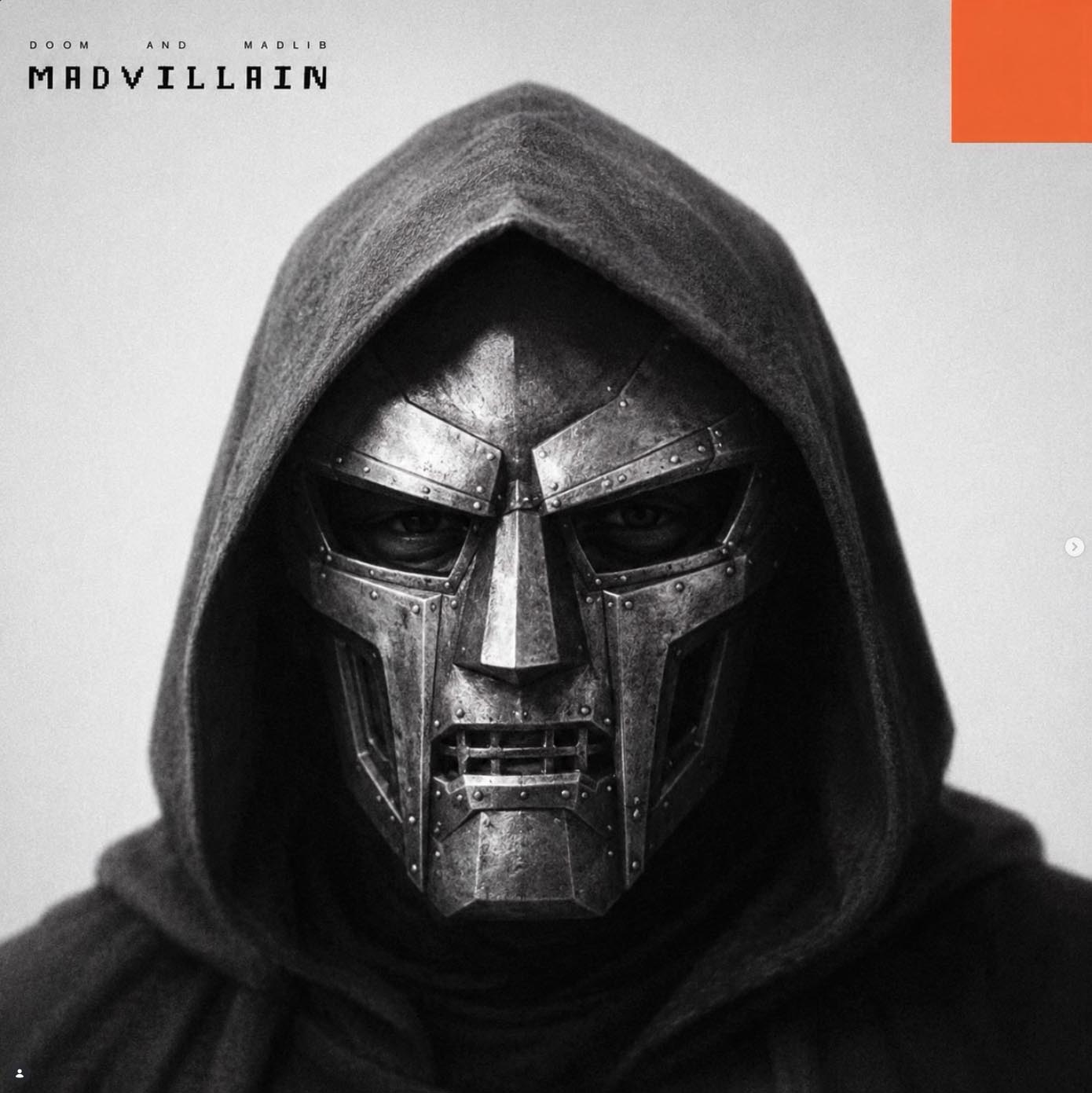
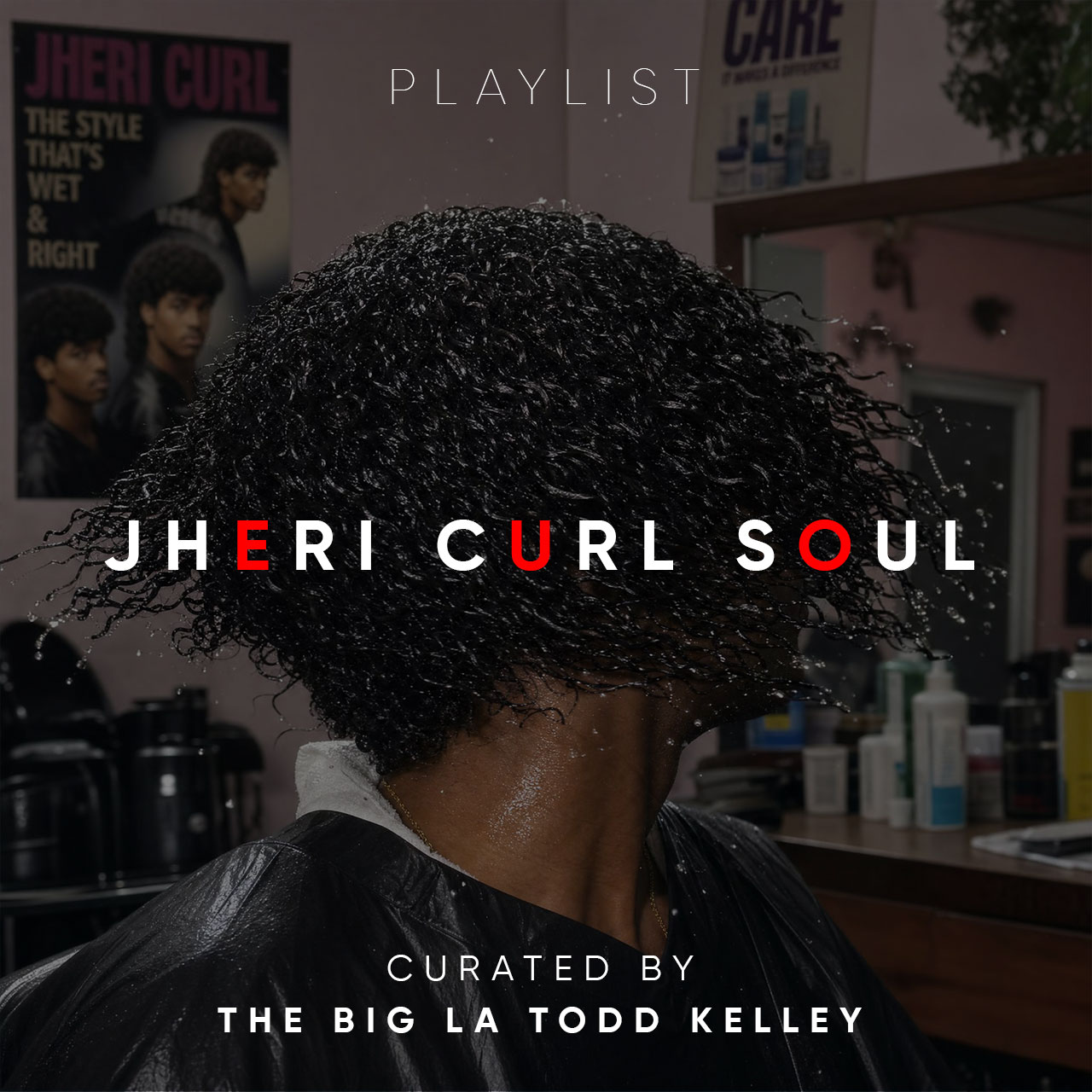
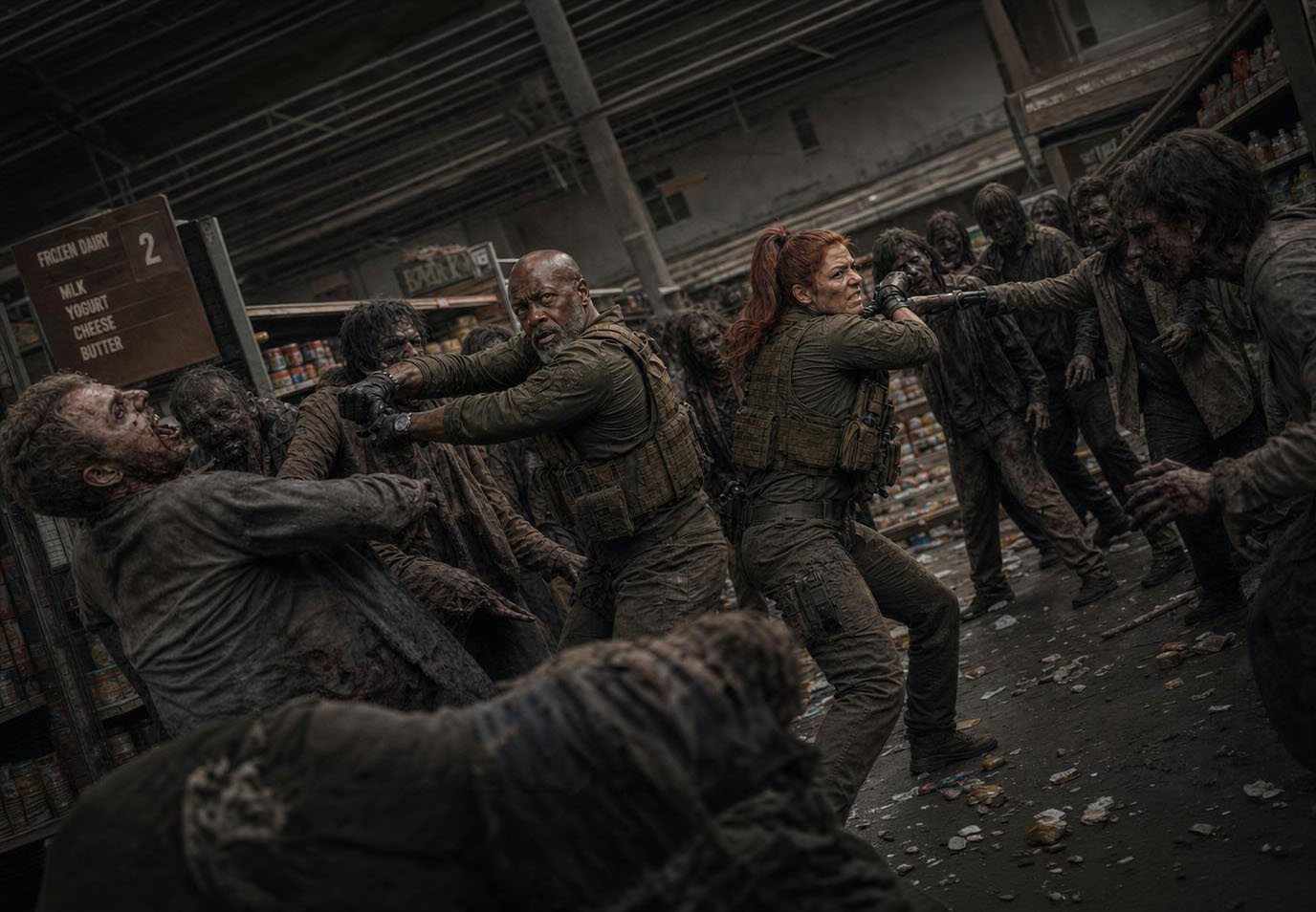
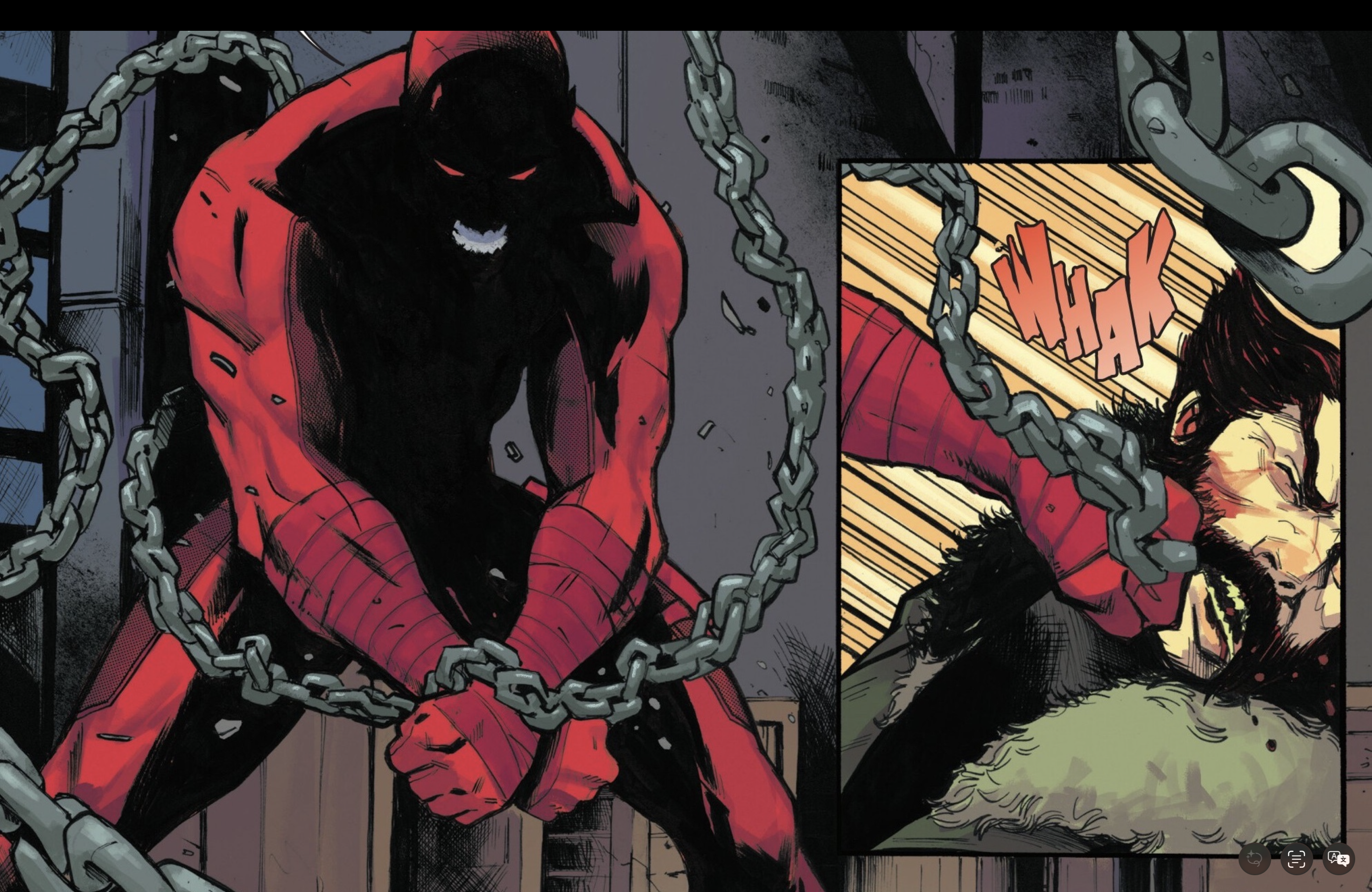
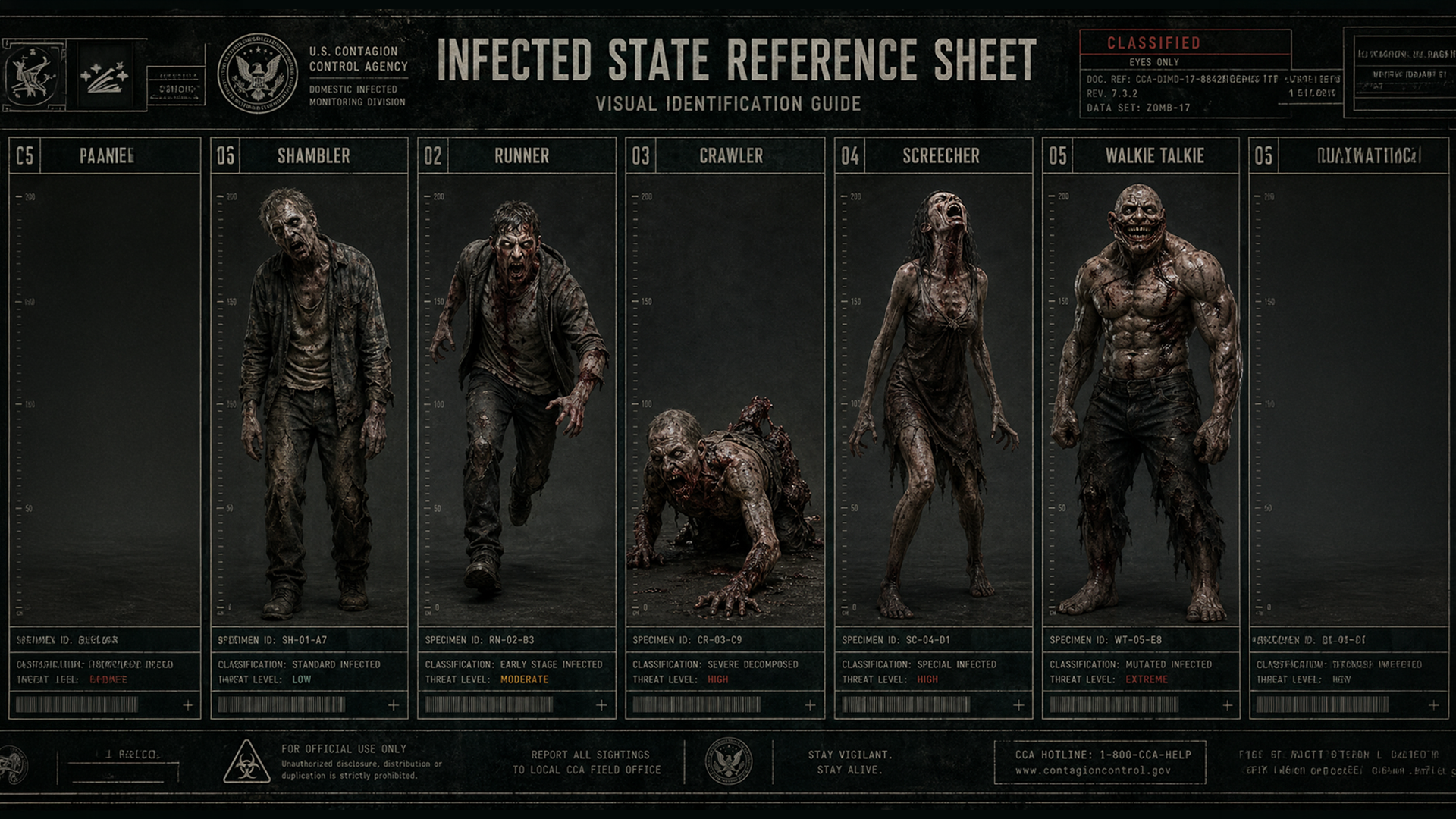
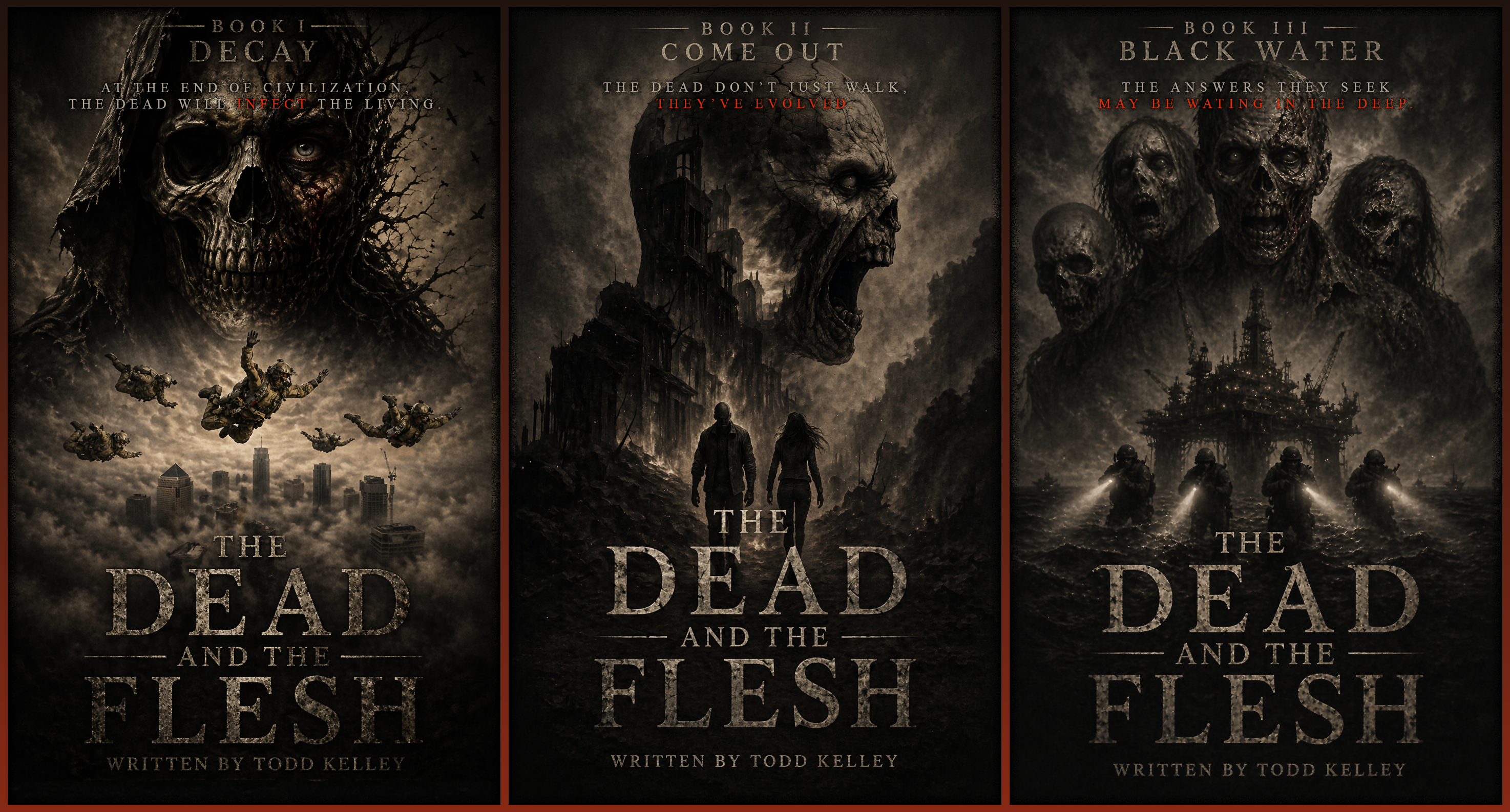
Design & Asset Creation:
Whether I’m working on
slide decks, characters,
or interactive visuals,
tools like Leonardo.ai,
Adobe Firefly, and Sora
are in the mix. They let
me explore different
graphic styles, generate
quick prototypes, and
spark inspiration that
might lead me in other
directions. This is
nowhere near a good
replacement for human
designers, but working
with limited resources,
simpler graphics that
won't require much, and
early concepts, and at
the least, they’re
lightning in a bottle.
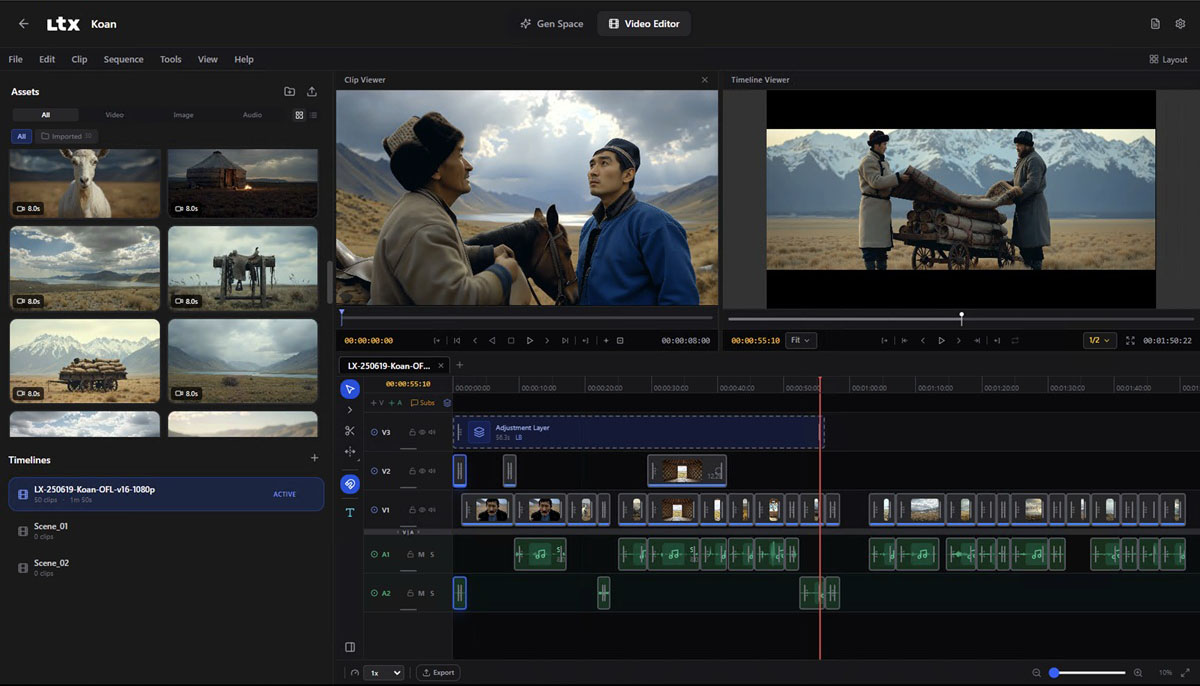
Course Development: This
is where it all comes
together. I use both
Articulate Storyline and
RISE (both AI-enabled)
to build interactive
modules and tap tools
like Synthesia for
avatar narration and
WellSaid or ElevenLabs
for realistic AI
voiceovers. These tools
reduce production time
and help me focus more
on the learner
experience than the
logistics.
Testing & Deployment:
Before a course
launches, I use ChatGPT
as a QA assistant (yes,
even for scenario
testing), and I'm even
looking at AI-driven
feedback tools like
UserTesting to catch
gaps in comprehension.
So what's the bottom
line? There are so many
AI tools that do so many
things that you can use
in so many ways for so
many different projects.
Everyone has areas in
their workflow where
they aren't as
efficient. AI can help
you leap over those
hurdles quickly to make
your workflow easier.
It's looking pretty
clear that the future of
content development is
AI-augmented. If you’re
not exploring how to
integrate these tools,
you might not just be
falling behind, you
might be missing out. If
you’re curious about how
to get started or want
to swap ideas and tools,
I’d love to connect. I'm
not an expert, but I
believe I'm off to a
good start.