Let’s Get This Out
of The Way First:
Using AI tools in
your creative
process isn’t
cheating. Not when
you use it the smart
way. Not when it
helps you work
faster and better.
And definitely not
when it keeps your
skills sharp in an
industry that's
constantly evolving.
Over the past
year, I’ve been
quietly remixing
my workflow by
bringing in AI
tools not to do
my job for me
but to help me
level up how I
do it. I’m a
systems thinker
at heart. I like
structure,
clarity, and
flow, whether
I’m developing a
course, editing
videos or
figuring out to
streamline
repetitive
processes when
my workload is
at capacity.
That’s where AI
starts to show
up, not as some
flashy shortcut
but as a
creative partner
that helps me
move quicker and
think more
strategically.
It’s like adding
a turbo boost to
the parts of my
process that
used to slow me
down.
Here’s a peek
behind the
curtain: my
standard
workflow broken
down into five
key phases with
the AI tools
that are helping
me keep things
smooth, smart
and just a
little more fun.
NOTE: I
sometimes have
to work with
proprietary and
confidential
information so
this requires
company-approved
tools or simply
removing tools
from the
process. But
this process is
my starter, and
I hope it helps
you the way it
helps me.
Research &
Discovery:
Before I even
write a single
word of learning
content, I use
tools like
ChatGPT and
Microsoft
Copilot to speed
up the research
process. I still
validate
everything. I
don’t blindly
use AI results,
but the time
savings is huge.
It helps by
giving me a
structural
starting point,
exploring new
topics, and
making sense of
unique, complex
concepts.
Creative
Writing,
Storyboarding
and Scripting:
Once the
structure of the
course is
outlined, I turn
to Notion AI,
MaxAI, and
again, ChatGPT
to help me think
through tone,
audience, and
pacing. For
creative writing
endeavors, I
like play around
with tools like
Sudowite,
Squibler, or
AutoCrit. This
is about having
a creative
partner in the
room who doesn’t
get tired.
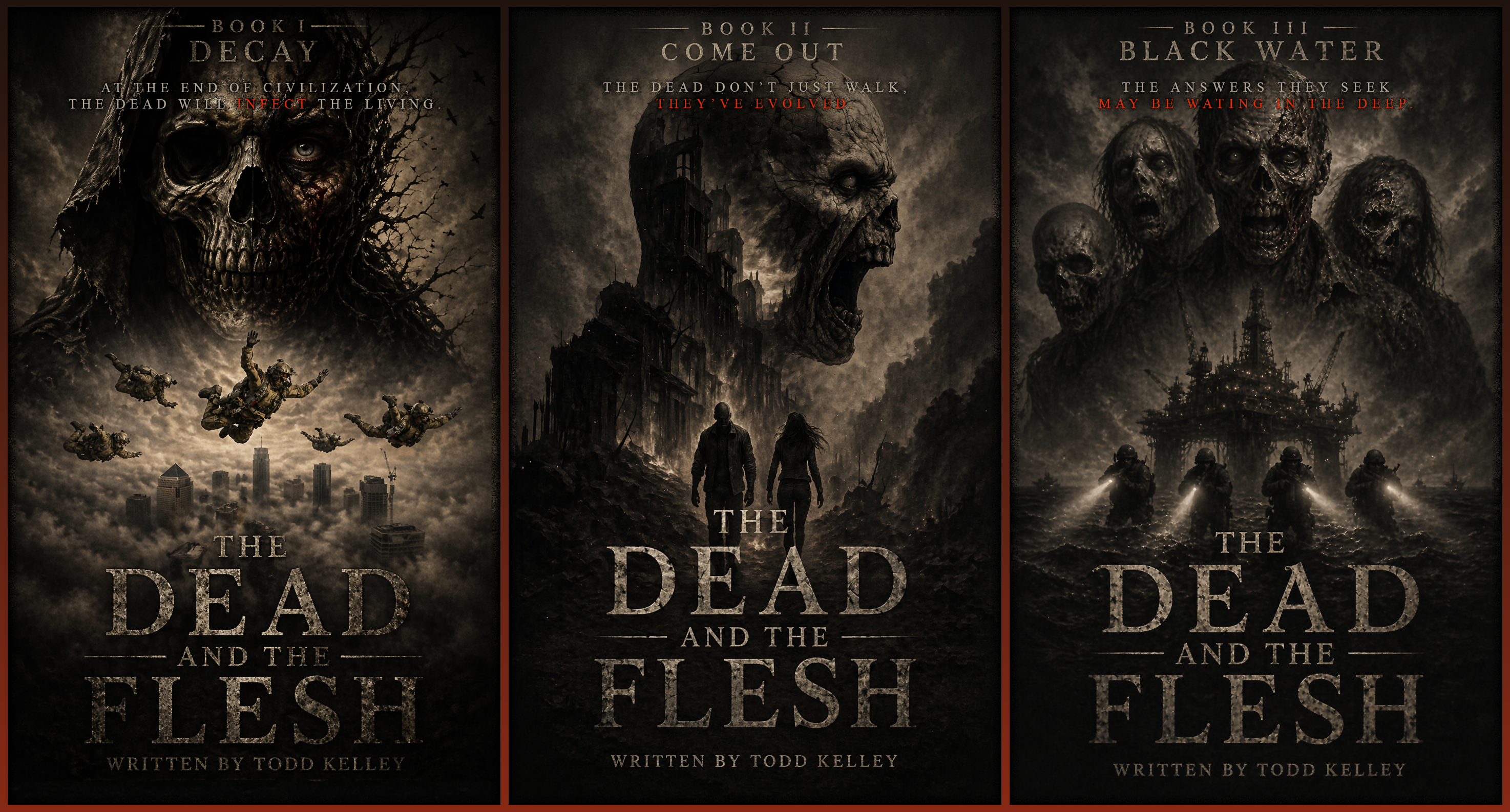
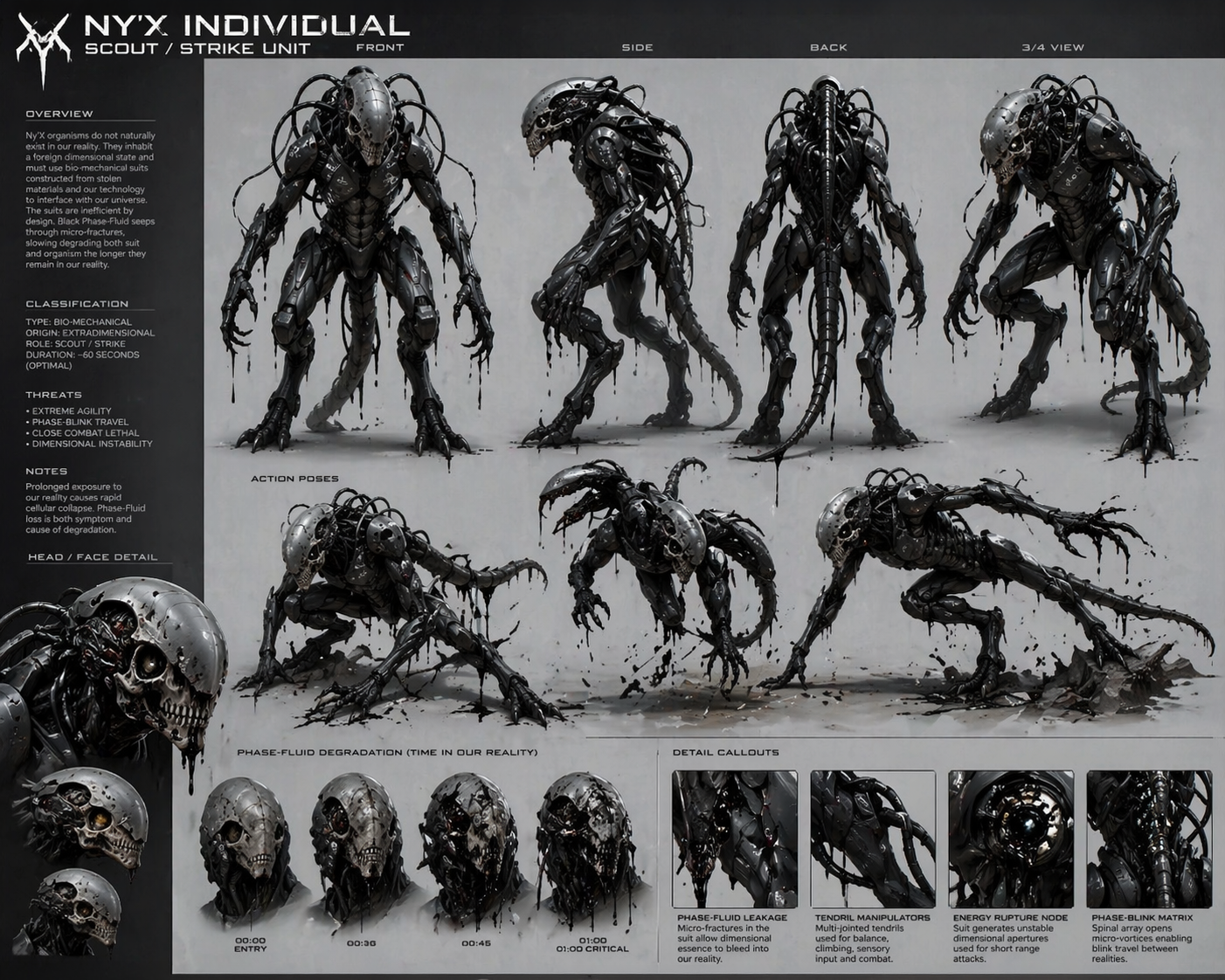
Design & Asset
Creation:
Whether I’m
working on slide
decks,
characters, or
interactive
visuals, tools
like
Leonardo.ai,
Adobe Firefly,
and Sora are in
the mix. They
let me explore
different
graphic styles,
generate quick
prototypes, and
spark
inspiration that
might lead me in
other
directions. This
is nowhere near
a good
replacement for
human designers,
but working with
limited
resources,
simpler graphics
that won't
require much,
and early
concepts, and at
the least,
they’re
lightning in a
bottle.
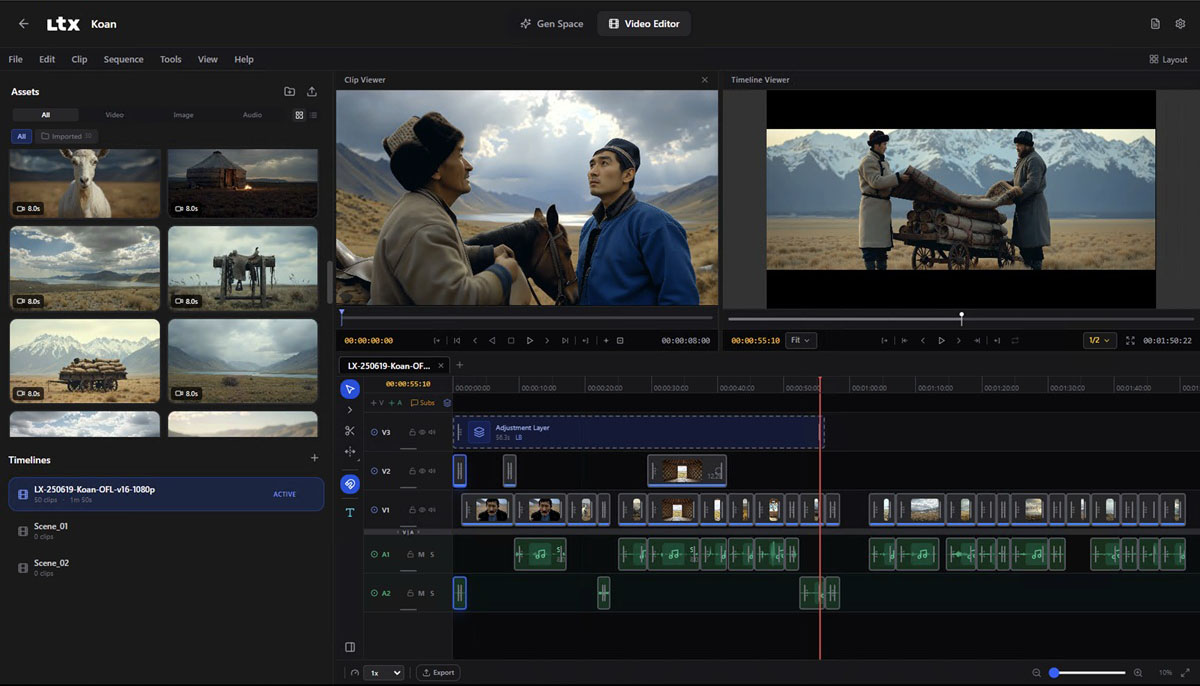
Course
Development:
This is where it
all comes
together. I use
both Articulate
Storyline and
RISE (both
AI-enabled) to
build
interactive
modules and tap
tools like
Synthesia for
avatar narration
and WellSaid or
ElevenLabs for
realistic AI
voiceovers.
These tools
reduce
production time
and help me
focus more on
the learner
experience than
the logistics.
Testing &
Deployment:
Before a course
launches, I use
ChatGPT as a QA
assistant (yes,
even for
scenario
testing), and
I'm even looking
at AI-driven
feedback tools
like UserTesting
to catch gaps in
comprehension.
So what's the
bottom line?
There are so
many AI tools
that do so many
things that you
can use in so
many ways for so
many different
projects.
Everyone has
areas in their
workflow where
they aren't as
efficient. AI
can help you
leap over those
hurdles quickly
to make your
workflow easier.
It's looking
pretty clear
that the future
of content
development is
AI-augmented. If
you’re not
exploring how to
integrate these
tools, you might
not just be
falling behind,
you might be
missing out. If
you’re curious
about how to get
started or want
to swap ideas
and tools, I’d
love to connect.
I'm not an
expert, but I
believe I'm off
to a good start.